Five AI subscriptions can still leave the same piece of work unfinished. Before adding another, name the job: researching a question, fixing a presentation, moving a customer record, or changing code. A tool that fits one job may be the wrong place to start the next.
Choose the work first. ChatGPT covers broad research and content tasks, Microsoft 365 Copilot works in Office apps, Canva helps with visual drafts, Zapier helps build automations, and GitHub Copilot supports coding. This is a documentation-based shortlist by task, not a tested ranking or a recommendation to buy all five.1, 2, 3, 4, 5
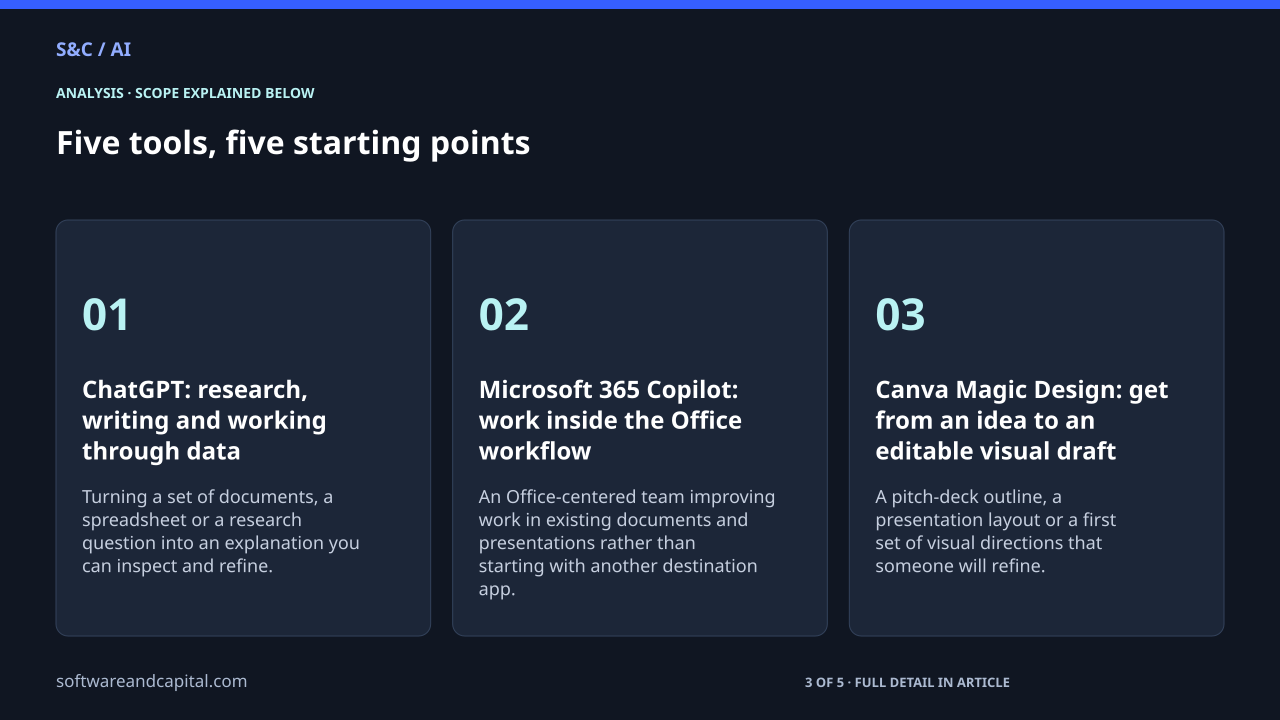
Five tools, five starting points
How we chose: We selected one documented option for each of five common work categories: research and content, Office productivity, visual design, application handoffs and coding. The order is not a performance ranking. Product descriptions were checked against vendor documentation on September 21, 2026. No hands-on comparative benchmark was run.
ChatGPT: research, writing and working through data
OpenAI documents web search, file analysis, drafting and data-analysis capabilities in ChatGPT. The useful starting point is a task that mixes questions and source material, rather than a demand for a polished answer with no evidence.1
Use it for: Turning a set of documents, a spreadsheet or a research question into an explanation you can inspect and refine.
Consider: Feature access depends on plan and settings. Check the sources and calculations that matter before using the output in a business decision.
Microsoft 365 Copilot: work inside the Office workflow
Microsoft describes Copilot across Word, Excel, PowerPoint and Outlook. Its attraction is the place it works: teams can use AI assistance inside applications where they already create documents, slides and communications.2
Use it for: An Office-centered team improving work in existing documents and presentations rather than starting with another destination app.
Consider: Confirm your organization’s licensing, configuration and available app features. A useful demo does not establish access in your own account.
Canva Magic Design: get from an idea to an editable visual draft
Canva’s Magic Design can generate designs from a prompt, including presentation drafts. Think of it as a starting layout and structure you can adapt, not a finished statement of your company’s facts or brand judgment.3
Use it for: A pitch-deck outline, a presentation layout or a first set of visual directions that someone will refine.
Consider: Check the copy, rights and brand fit before publishing. Canva describes the output as customizable, so budget for editing rather than judging only the first screen.
Zapier Copilot: help build the handoff between applications
Zapier describes Copilot as an assistant for creating and maintaining automations across its products. Its documentation marks the feature as open beta. This is a different job from generating text: the workflow can connect to actions in business applications.4
Use it for: Designing a repeatable handoff, such as moving an authorized record between the tools a team already uses.
Consider: Test the triggers, accounts and resulting actions before going live. Live task and add-on usage is separate from the act of building with Copilot.
GitHub Copilot: coding help where the code lives
GitHub’s application card describes conversational coding assistance, including explanations, test cases and debugging help in supported development tools. It belongs in a developer’s workflow, not in a general business-writing comparison.5
Use it for: Helping a developer understand code, propose changes and work through tests or debugging questions.
Consider: Keep code review and executable tests. A plausible explanation or suggested patch is not evidence that the change works in your repository.
Choose a test task before choosing a plan
Pick one representative job your team repeats. Give it a clear finish line: a source-backed brief, a presentation that passes review, a record moved correctly, or a code change that passes its tests. A prompt returning something impressive is not the same as that job being done.
Our suggested evaluation is to record the editing and checking required after the first output. For an automation, include exceptions and failed actions. For a presentation, include correcting the content. For code, include review and testing. This is a proposed buying method, not a measured time-saving claim.
Before you add a subscription
- Check whether a tool you already have covers the job adequately.
- Confirm feature access, usage limits and permission to use the relevant business data.
- Test a representative task with non-sensitive material before connecting live workflows.
- Compare the finished result and the work needed to get there, not just the first response.
The AI workflow cost guide explains why a cheaper response can still require more work. The pricing-unit guide helps when one product sells seats and another charges for activity.
You do not need the whole shortlist. Start where work gets stuck, test the result, and add another tool only when it does a different job well enough to justify the extra cost and complexity.
Sources and methodology
Sources checked September 21, 2026. Dates and periods for individual figures are stated beside them.
- OpenAI: ChatGPT capabilities overview ↗Accessed 2026-09-21
- Microsoft: Copilot in apps for work ↗Accessed 2026-09-21
- Canva: Magic Design ↗Accessed 2026-09-21
- Zapier: What is Zapier Copilot? ↗Accessed 2026-09-21
- GitHub: Copilot Chat application card ↗Accessed 2026-09-21
Scope and assumptions
This is a curated, task-based shortlist derived from vendor documentation, not a hands-on test, exhaustive market survey or sponsored ranking.
Features, access and limits vary by plan, configuration and date. No exact subscription prices or savings estimates are asserted.