AI image generation is very good at producing something that looks finished. That can become a problem when the next step is editing. A headline may be wrong, one object may need moving, or the same creative may need a different format. Canva is betting that the useful AI result should remain a working design rather than a locked endpoint.1, 2
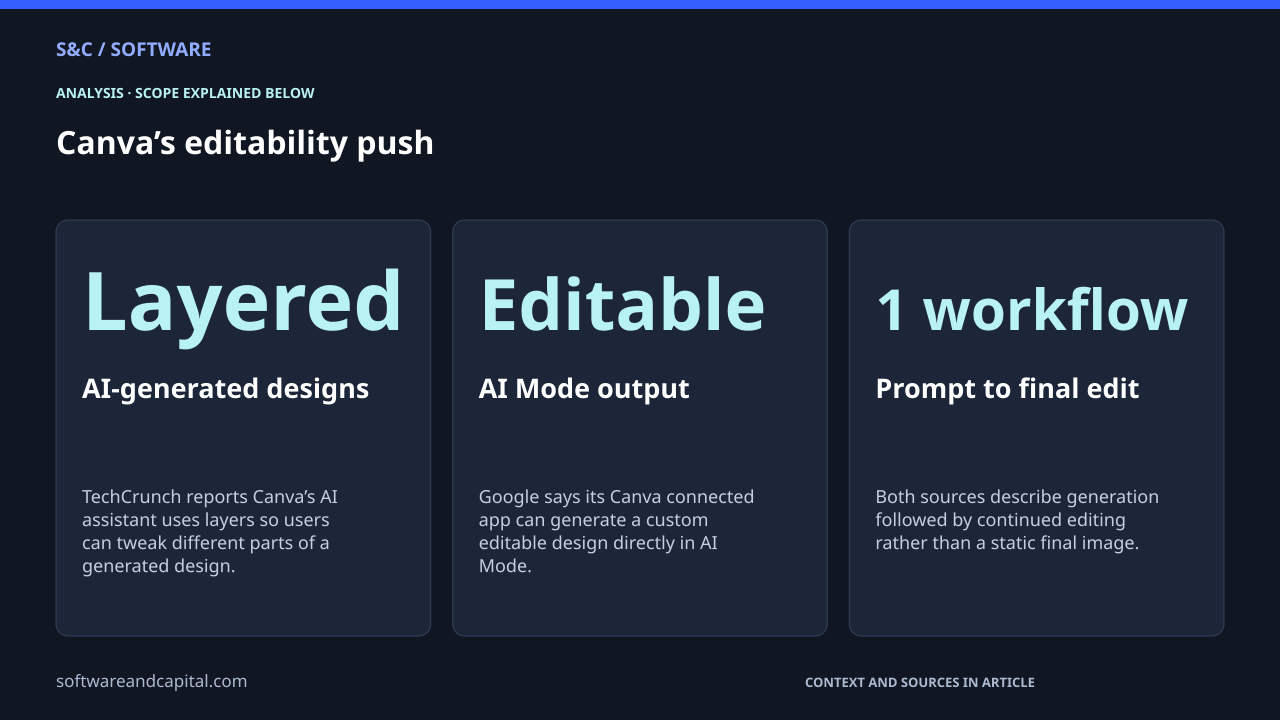
Canva is treating editability as part of AI output. TechCrunch reports that its AI assistant builds designs with layers so users can change individual parts after generation. Google’s Canva integration similarly creates editable designs from AI Mode. The product bet is that a useful AI result should remain a working file, not become a locked endpoint.1, 2
Canva’s editability push
That is a different product goal from simply adding another image generator. The output has to survive the next step. TechCrunch says Canva’s assistant uses layers when it creates designs from text prompts, while Google’s integration lets a user generate a custom Canva design in Search and then add finishing touches in Canva.1, 2
A flat image is often a bad working file
| Task | Static AI output | Editable Canva workflow |
|---|---|---|
| Change a headline | Often requires regeneration or image editing. | Text and design elements can continue to be adjusted. |
| Move one object | May require masking, repainting or another prompt. | Layered output supports changing individual parts. |
| Change brand details | A new prompt may alter more than intended. | The design can be refined after generation. |
| Resize for another channel | Composition may need to be rebuilt. | The working design can be adapted in Canva. |
| Hand off to a teammate | The output may arrive as a finished bitmap. | The output remains a design that can be edited collaboratively. |
This is a subtle but important distinction. Generative models optimize for the visible result. Creative software has to support what happens next. A useful design file is not only pixels. It contains text, objects, layout and relationships that people expect to change.
Canva is building editability into generation
TechCrunch reports that Canva’s AI assistant creates designs with layers, giving users flexibility to adjust different parts of the result. The assistant can call Canva tools from a text request and produce several design options rather than handing back one unchangeable image.1
Google’s current Canva integration shows the same idea from outside Canva’s own interface. A user can ask AI Mode to create a flyer in Canva, receive an editable design in the search experience, then finish the design in Canva.2
The working file can become the handoff layer
AI creation is increasingly distributed across assistants, search tools and specialist apps. That makes the editable design a useful handoff point. A prompt can start the work somewhere else, while Canva remains the place where a team refines, collaborates and publishes.1, 2
That workflow matters because creative work rarely ends with the first generated result. Real projects involve corrections, brand rules, approvals, resizing and reuse. Keeping the output editable makes those steps possible without restarting from the original prompt.
Editability is a workflow claim, not a quality claim
Neither source proves Canva’s AI makes better-looking designs than competing models or that layered output always saves time. The narrower claim is easier to support: the AI output can remain editable, which solves a different problem from generation quality.1, 2
That makes Canva a useful counterpoint to our Adobe AI business analysis. Adobe shows how an incumbent is monetizing AI across a huge installed base. Canva highlights a product-level question about what AI output needs to become once it enters real creative work.
What to watch next
- How reliably generated designs remain easy to edit after complex prompts.
- Whether users keep refining generated designs rather than repeatedly regenerating them.
- How well editable output travels across external AI assistants and Canva.
- Whether layered generation becomes a standard expectation across creative software.
The next phase of generative design may be less about making the first image and more about making the second edit easy. Canva is betting that creative control after generation is part of the product, not an afterthought. For anyone who has loved an AI result except for one impossible-to-change detail, that is a practical problem to solve.
Sources and methodology
Sources checked September 23, 2026. Dates and periods for individual figures are stated beside them.
- TechCrunch: Canva’s AI assistant creates layered editable designs ↗Accessed 2026-09-23
- Google: Canva connected app creates editable designs in AI Mode ↗Accessed 2026-09-23
Scope and assumptions
The cited sources establish editable and layered output but do not independently measure design quality or productivity gains.
The workflow can remain editable without guaranteeing every generated element is perfectly structured for every design.
Availability and behavior can differ across Canva’s own assistant and external integrations.
Continue reading
Adobe Has 1B Monthly Users—and Its AI-First ARR Is Up More Than 150% →
5 AI Tools for Work: Choose by the Job, Not the Demo →
Meta’s AI Can Send Emails and Make Purchases. What Should You Let It Touch? →